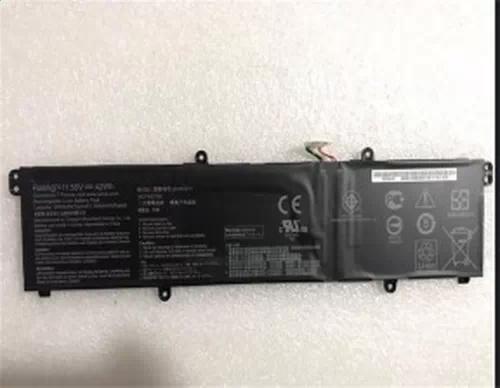
Battery for Asus VivoBook 17 X1702ZA 42Wh 11.55V
- $ 56.58 $111.69
- Free delivery + 1 year warranty + 30 day money back!
-
-
Availability : In stock
Battery Type : Li-ion
Voltage : 11.55V
Capacity : 42Wh
Color : Black
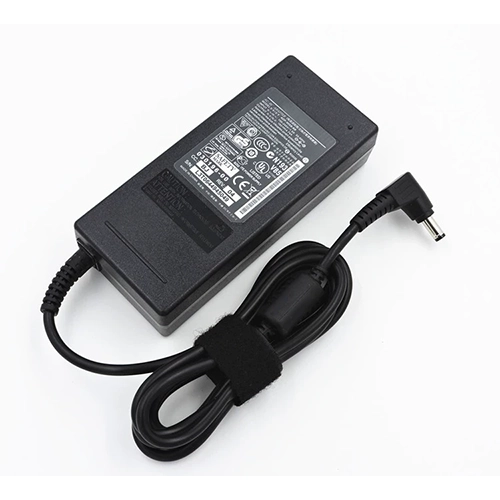
AC Adapter for Asus VivoBook 17 X1702ZA
- $35.56 $45.89
- High Quality replacement VivoBook 17 X1702ZA adapter includes AC Power Cord , 100-240VAC 50/60Hz , Over Voltage Protection, Short Circuit Protection, Over Current Protection !
-
-
Availability : In stock
Description
| Asus VivoBook 17 X1702ZA battery specifications |
| Availability: | In Stock |
| Battery Type: |
Li-ion |
| Capacity: |
42Wh |
| Voltage: |
11.55V |
| Color: |
Black |
| The condition of the product: |
Band New |
| Guarantee: |
12 Months |
The Perfect battery life for Your Asus VivoBook 17 X1702ZA Battery
Get going with longer Battery Life and Improved Laptop Performance with this Asus VivoBook 17 X1702ZA Battery. This battery is with highest grade cells and best quality components which provides longer battery life with fast charging.
Asus VivoBook 17 X1702ZA Battery Price in USis the lowest on hp-battery.com amongst all major online marketplaces in United States.
This high quality rechargeable Asus VivoBook 17 X1702ZA Battery is designed with the highest control standards; have internal circuit boards with smart chips Cell imbalance shut off protection, Thermal runaway protection, Overcharge shut off protection, Over discharge shut off protection, High/low temperature shut off protection , and are made from eco-friendly materials without lead or mercury. Long lasting, this extended 3 cells Asus VivoBook 17 X1702ZA battery can be charged/discharged for more than 600-800 cycles.
The Perfect battery life for Your Asus VivoBook 17 X1702ZA Battery
Asus VivoBook 17 X1702ZA Battery provide one-year warranty and 30-day refund if you are not satisfied.
Follow the notice below, Better using your Asus VivoBook 17 X1702ZA Laptop Battery
- Storage - Store your Asus VivoBook 17 X1702ZA Laptop Battery in a clean, dry, cool place away from heat and metal objects. The Asus VivoBook 17 X1702ZA batteries will self-discharge during storage; remember stored at about 40% state-of-charge.
- Charge and discharge - For lithium ion batteries, you do not need to discharge them fully and recharge constantly. You need to do a full discharge only about every 30 charges. Do not charged to higher voltages than its threshold voltage
- Exercise Your VivoBook 17 X1702ZA Battery - Do not leave your batteries dormant for long periods of time. We recommend using the battery at least once every two to three weeks. If a battery has not been used for a long period of time, perform the new battery break in procedure described above.
- Calibrate Your batteries - If your Battery's 76% even less in work , you must fully charge, fully discharge, and then fully recharge the Laptop Battery pack.
- Consider removing the Asus VivoBook 17 X1702ZA battery from a laptop when running on fixed power
- Do not short-circuit. A short-circuit may cause severe damage to the battery.
- Avoid propping your laptop on a pillow, blanket, or other soft surface that can heat up. Your Asus VivoBook 17 X1702ZA battery is a lot less efficient when not within its standard operating temperature range.
Fit Machine Models:
- X1702ZA
- VivoBook 17 X1702ZA
Compatible with numbers:
- Asus 0B200-03580000
- 0B200-03750000
- B0B200-03580300
- B31N1911
- C31N1911

Bestsellers
-
$109.87
-
$116.37
-
$98.58
-
$99.09