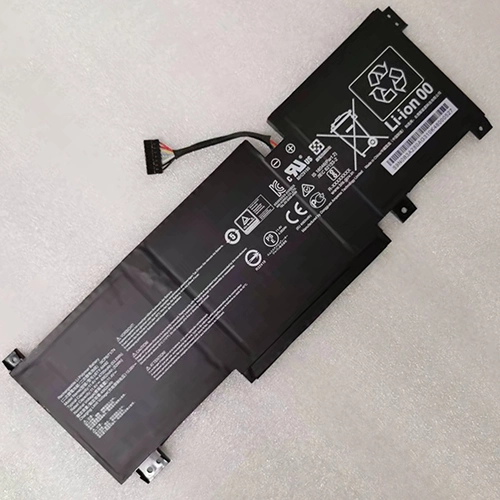
Replacement Battery for MSI Katana GF76 11UC-664TW 53.5 Wh 11.4V
- $ 146.48 $191.89
- Brand New + 1 year warranty + 30 day money back!
-
-
Availability : In stock
Battery Type : Li-ion
Voltage : 11.4V
Capacity : 53.5 Wh
Color : Black
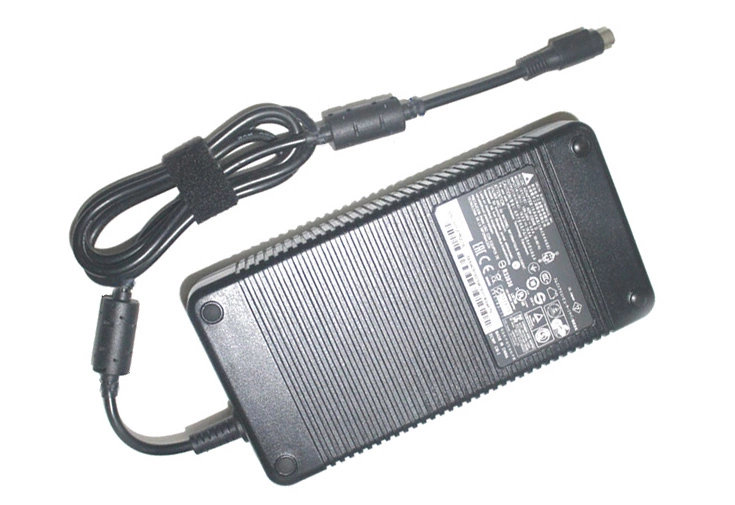
Charger & Adapter for MSI Katana GF76 11UC-664TW
- $45.56 $45.89
- Overvoltage and Overcurrent Protection Circuits built in ages your equipment !
-
-
Availability : In stock
Description
| MSI Katana GF76 11UC-664TW battery specifications |
| Availability: | In stock |
| Battery Type: |
Li-ion |
| Capacity: |
53.5 Wh |
| Voltage: |
11.4V |
| Color: |
Black |
| The condition of the product: |
Band New |
| Guarantee: |
12 Months |
Welcome to our HP-BATTERY, your one-stop shop for the highest quality MSI laptop batteries. Our brand new 53.5 Wh replacement MSI Katana GF76 11UC-664TW Li-ion battery is designed to ensure optimal performance, constructed with high-grade cells from Samsung, LG, and Panasonic. The battery pack's casing is made of non-flammable and extremely robust plastic that is both fire-resistant and durable when dropped from low heights.
MSI Katana GF76 11UC-664TW Battery features
- Katana GF76 11UC-664TW Battery uses the highest quality graded and sorted 'A' Grade cells.
- Has resistance welded gold plated contacts for maximum performance.
- Provides excellent discharge characteristics.
- Katana GF76 11UC-664TW Battery uses high impact ABS and Polycarbonate plastic housings for ruggedness.
- Undergone comprehensive testing including high altitude performance, vibration, mechanical shock, thermal cycling, external short circuit and overcharge test simulations.
- Battery for MSI Katana GF76 11UC-664TW includes a 12-months free replacement warranty for manufacturer's defects.
MSI Katana GF76 11UC-664TW battery Important Note:
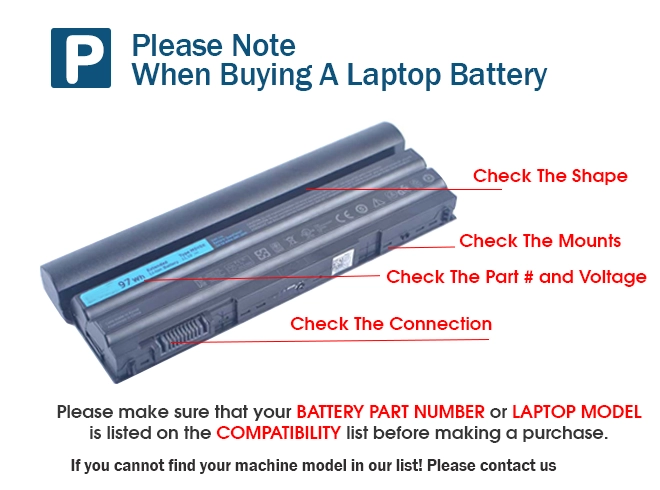
- 1. Check your original MSI Katana GF76 11UC-664TW battery's part number and confirm the exact battery model you need.
- 2. Before installing the replacement battery, please read the maunal carefully.
- 3. If you are not sure you can replace the battery by yourself, please find a tutorial online or ask a professional staff to help you replace it.
- 4. When using the battery, care should be taken to prevent exposure and moisture.
Tips to use a new MSI Katana GF76 11UC-664TW replacement battery:
- 1. Discharge the new Katana GF76 11UC-664TW battery use to 5%(not to 0%) and then charge to 95%, and cycle 3-4 times.
- 2. Do not disassemble, crush or puncture. Do not dispose of in fire or water.
- 3. If you remove battery for a long time, charge more than 80% at least one time within one months.
- 4. Don't connect adapter for a long time while using the battery. It may damage the battery.
FAQ :
Fit Machine Models:
- Katana GF76 11UC-664TW
- Katana GF66 12UE-268CN
- Katana GF76 11SC-484XTR
- PULSE GL76 11UDK-214CA
- Katana GF66 12UGS-218XBG
- WF66 11UI-268US
- Pulse GL66 11UEK-016AU
- Crosshair 17 A11UDK
- Katana GF66 11UC-072XES
- Katana GF66 11UC-628IN
Compatible with numbers:
- 3ICP6/71/74
- BTY-M49
- BTY-M492
- MS-14C1
- MS-14D
- MS-1551
- MS-1562(12.2019)
- MS-16WK

Bestsellers
-
$126.58
-
$126.48
-
$119.26
-
$158.89