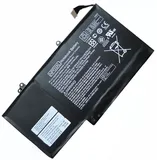
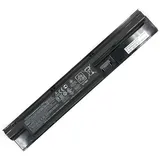
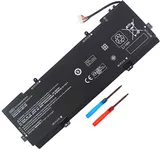
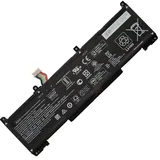
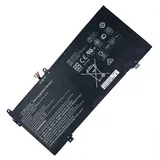
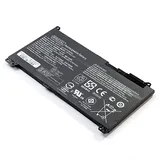
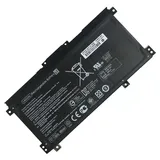
Free delivery + 1-Year Warranty + 30 day money back!
Availability : In stock
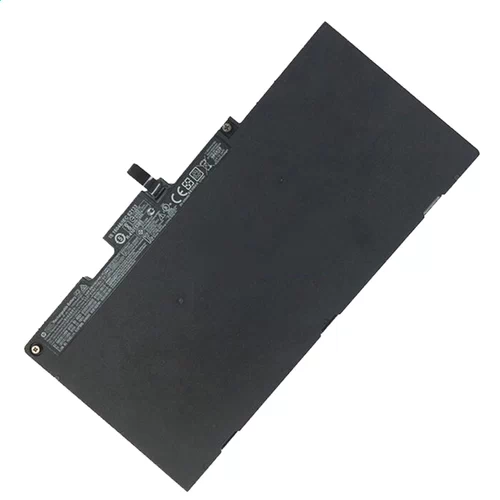
Battery Type : Li-ion
Voltage : 11.55V
Capacity : 51Wh
Color : Black
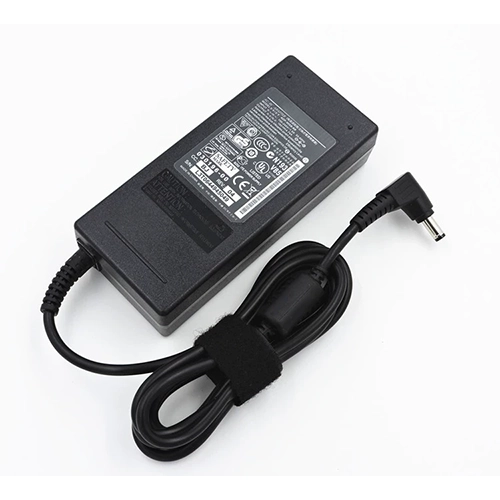
Charger & Adapter for HP EliteBook 850 G4
$40.56 $45.89
Overvoltage and Overcurrent Protection Circuits built in ages your equipment !
Availability : In stock
Description
HP EliteBook 850 G4 battery Specifications
Availability:
In stock
Battery Type:
Li-ion
Capacity:
51Wh
Voltage:
11.55V
Color:
Black
The condition of the product:
Band New
Guarantee:
12 Months
51Wh 11.55V Battery Pack for EliteBook 850 G4
HP EliteBook 850 G4 Professional grade A cell batteries custom manufactured for high performance
Every HP EliteBook 850 G4 laptop battery is thoroughly safety tested
The Exact Match System guarantees every HP EliteBook 850 G4 Professional laptop battery to be compatible .
Superior Design for True Fit and Finish
Reduced total cost of ownership.
Extended Run Time and Longer Life Battery EliteBook 850 G4 .
Environmentally Responsible.
Comprehensive Guarantee.
Increased Power Regulation for Efficiency.
What are the Recommended HP EliteBook 850 G4 Battery Care Practices?
Recommendations for battery usage and storage are included in the user guide for your computer. Additional battery care practices are as follows:
Store batteries for EliteBook 850 G4 between 20°C and 25°C (68°F and 77°F) with 80 - 90% charge.
Do not disassemble, crush, or puncture a battery and do not short the external contacts on a battery.
Do not leave batteries exposed to elevated temperatures for extended periods. Prolonged exposure to heat (inside a hot car, for example) accelerates the deterioration of battery cells.
Long term battery storage:
Charge or discharge the battery to 80 - 90%.
Place the notebook into ship mode per your user guide. Refer to your notebook user guide to determine if your computer supports this feature.
Check the HP EliteBook 850 G4 battery charge every three months. If the battery charge falls below 50%, charge the battery to 80 - 90%, and then repeat the steps in the user guide to put the computer back into ship mode.
For best performance, use only the battery provided with the computer, a replacement battery provided by HP, or a compatible battery for HP EliteBook 850 G4 purchased as an accessory. If you have a choice of battery types to use with your computer, use the type of battery with the highest capacity rating.
To maintain the HP EliteBook 850 G4 battery, run Battery Check using HP Support Assistant. Under normal usage, batteries should be calibrated a minimum of once every two to three months. However, a battery that is rarely discharged fully should be calibrated about once a month.